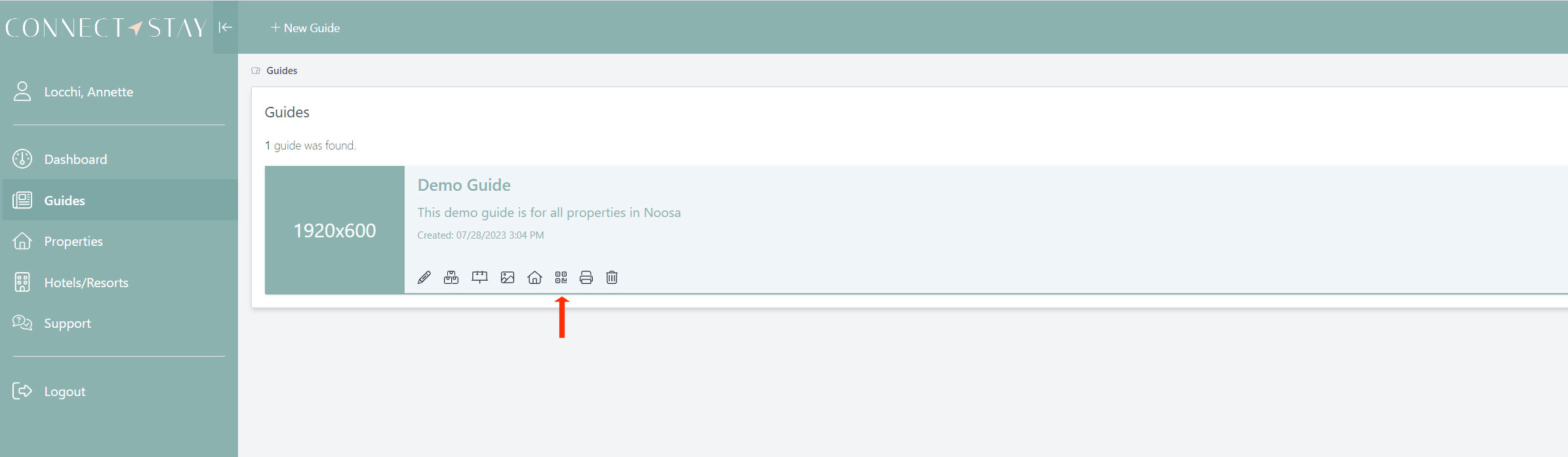
Step 1:
Select ‘Guides’ on left hand menu, go to the Guide that your property is attached too.
Select the  Icon
Icon
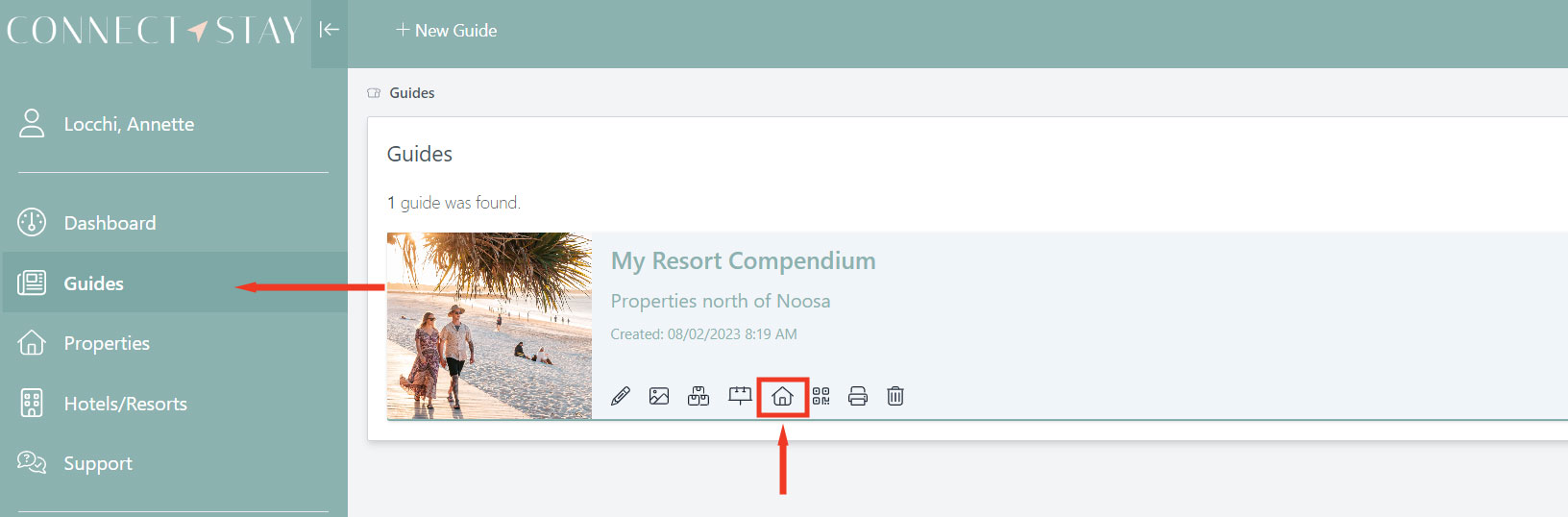
Find the property in the Included Properties tab and select the  icon to view QR Display Page for this property
Select the ‘Print Qr Page’ button to print display card
Display Design
You can Edit the design of your QR Display | Guides → Edit QR Template Icon